Shot Tower Metro is a subway station served by Baltimore subway METRO SUBWAYLINK. You can transfer here to the following lines that pass near Shot Tower Metro station: cityLink Blue, Orange, Yellow, Red, Brown, Navy, Purple, bus Green, 704, 40, 91, 54, 65, Orange, 80, 76, 67, 78.
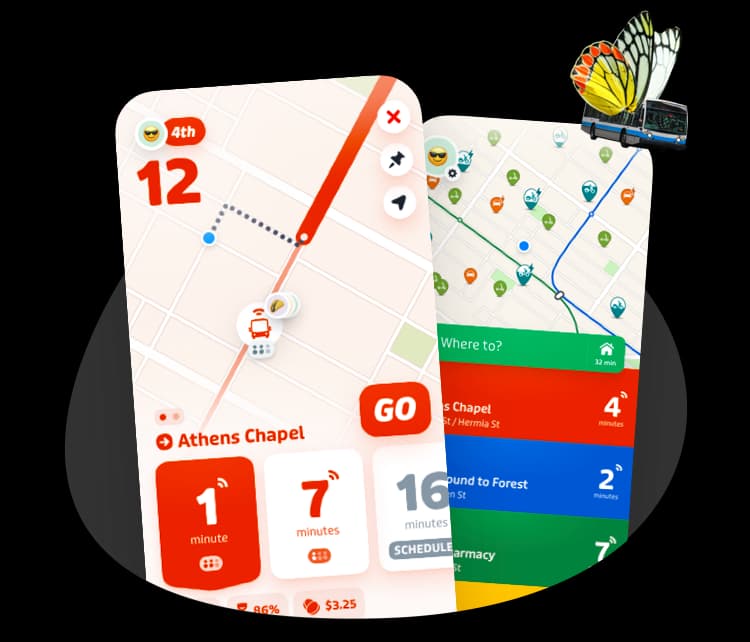
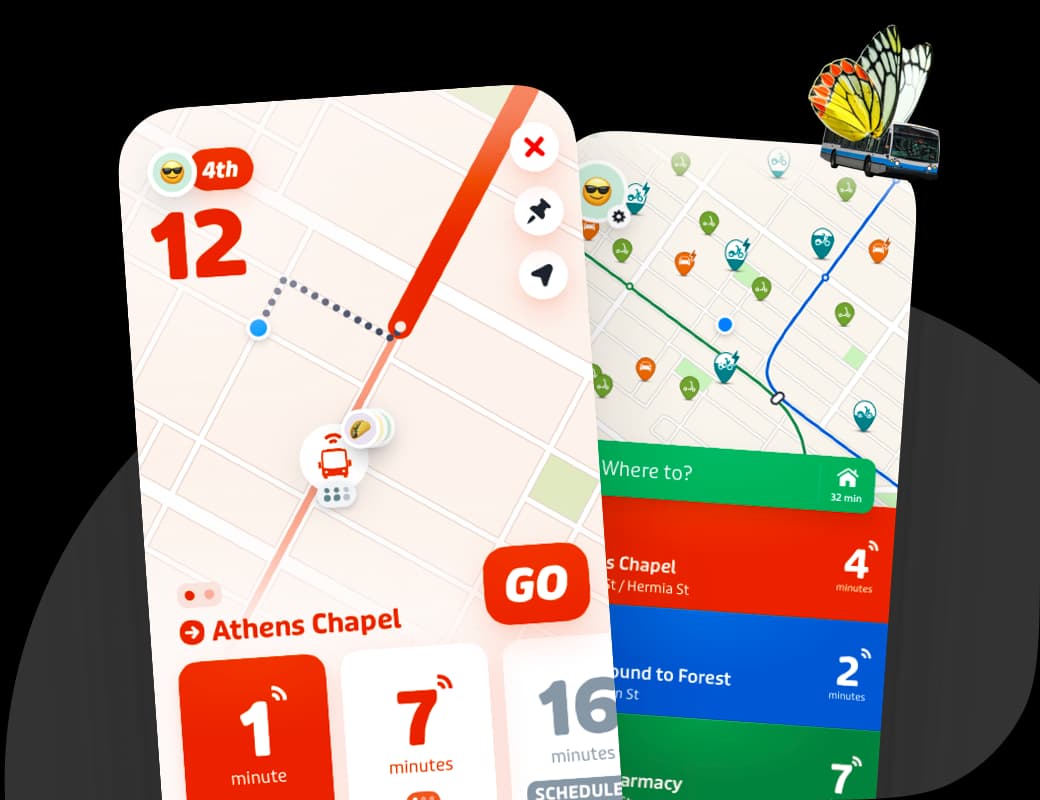
The Shot Tower Metro is served by subway METRO SUBWAYLINK. From here, you can transfer to cityLink Blue, Orange, Yellow, Red, Brown, Navy, Purple, bus Green, 704, 40, 91, 54, 65, Orange, 80, 76, 67, 78 to continue your journey. You can see all available nearby connections, real-time departures for each line, and plan your full trip on public transit – including available bikeshare, scooter, carshare and rideshare options – by downloading the Transit app.
The Shot Tower Metro station has 4 entrance(s): Shot Tower Metro East Ev Entrance, Shot Tower Metro East Entrance, Shot Tower Metro West Ev Entrance, Shot Tower Metro West Entrance. The best entrance depends on where you're arriving from. Open the Transit app to get step-by-step directions to your destination, including which entrance to use and the fastest walking route to the station.
There are 4 entrances at the Shot Tower Metro station. These Shot Tower Metro station entrances are accessible to people who use wheelchairs and mobility devices: Shot Tower Metro East Ev Entrance, Shot Tower Metro West Ev Entrance. The following Shot Tower Metro station entrances are not wheelchair-accessible: Shot Tower Metro East Entrance, Shot Tower Metro West Entrance. The map above includes the location and accessibility of each entrance. You can also filter for accessible routes and preferred modes of transport in the Transit app.
Check for any active alerts at the Shot Tower Metro station and explore all your transportation options in the Transit app, which has Metro SubwayLink-issued schedule changes, service alerts and status updates. Download the app and sign up to get notifications about alerts on your favorite lines.
The Shot Tower Metro station accessibility info is not up to date. You can search for accessible directions only and plan a step-free route to your destination in the Transit app.